Data Table

Structure Your Operational Data

with Confidence

Bring clarity to scattered spreadsheets and disconnected systems.AutoOps Data Tables create a unified, no-code data foundation that powers workflows, reporting, AI automation, and real-time operational visibility—so every process runs smoother and every decision stands on solid ground.
Reliable Operations Start with Reliable Data

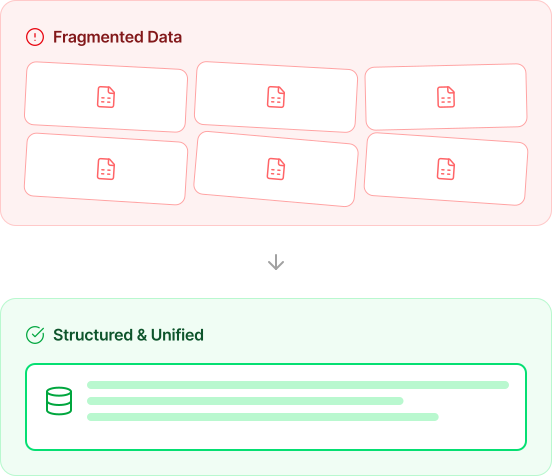
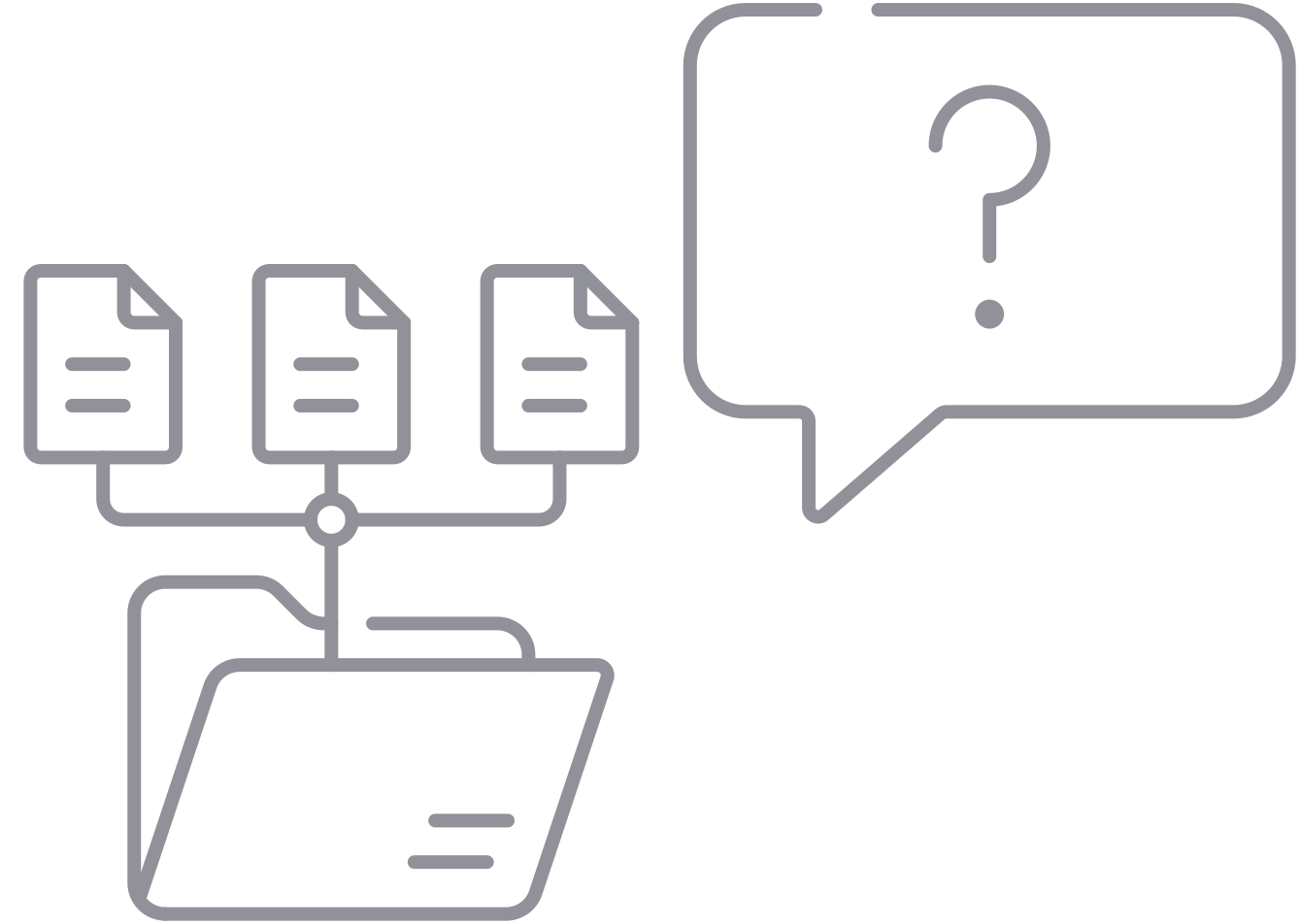
Most operational inefficiencies trace back to fragmented information. Spreadsheets are stored in different folders. Teams maintain their own versions. Fields are formatted inconsistently. Manual edits introduce errors. Updates are shared late or not at all. Over time, these small issues grow into approval delays, reporting discrepancies, and compliance risks.AutoOps Data Tables replace this fragmentation with structure. Instead of juggling files, your team works within a single, governed data environment designed for accuracy and scale. You eliminate confusion, strengthen accountability, and build a dependable foundation for consistent execution.

What Are Data Tables?

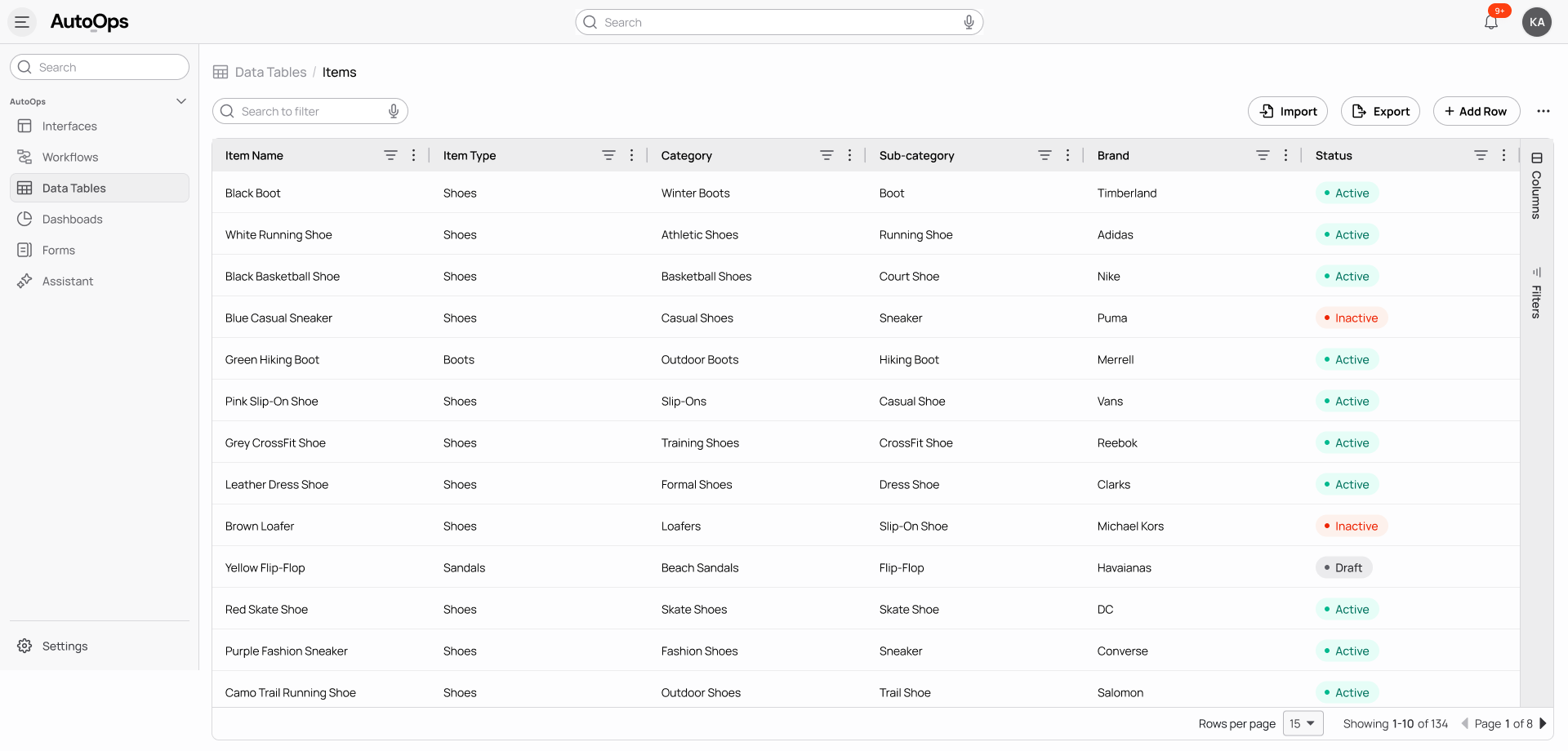
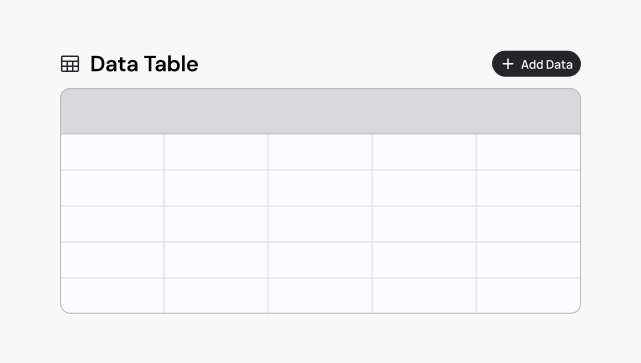
Data Tables are structured, relational data environments built specifically for operational teams that need both flexibility and control.They combine the familiarity of a spreadsheet with the reliability of a structured database. You can define fields, enforce validation rules, link related records, and manage permissions through a visual interface that feels intuitive and practical.Operate without SQL, adapt without waiting on engineering, and scale your data confidently without losing oversight.You design and evolve your operational data directly, in alignment with how your business actually functions.
Why Structured Data Makes a Difference

When your data is structured and governed, improvements ripple across the organization.
Teams work from a single source of truth.
Automation runs on validated and consistent inputs.
Dashboards reflect accurate, real-time performance.
Compliance requirements are enforced systematically.
Leadership gains confidence in the numbers they review.
AutoOps combines data, workflows, and interfaces in one unified operational layer, not fragmented automation tools.

How It Works

1
Create Tables That Reflect Your Operations
Design tables that mirror your business structure. Build a vendor master, product catalog, purchase order register, SLA tracker, compliance log, or budget ledger with clarity and precision.
2
Define Clear Field Types
Assign structured field types such as text, currency, percentages, dates, statuses, and calculated metrics. Eliminate inconsistent formatting and prevent manual errors.
3
Connect Related Records
Link vendors to purchase orders. Associate products with suppliers. Tie budgets to departments. Connect SLAs to contracts. Your data becomes connected and contextual rather than isolated and fragmented.
4
Enforce Validation and Business Rules
Prevent incomplete submissions and incorrect entries at the source. Require mandatory fields. Apply automated calculations. Restrict invalid values. Maintain integrity without constant oversight.
5
Control Access with Confidence
Define role-based permissions so the right people can view, edit, approve, or export information. Protect sensitive financial and compliance data while enabling collaboration.
6
Activate Automation
When records update, workflows respond automatically. Approval route instantly. Alerts notify stakeholders. Reports are generated in real time. Your data becomes active and responsive.

Core Capabilities

Flexible Table Builder
Create and adapt tables as your operational needs evolve. Update structures without disrupting live processes.
Advanced Field Types and Calculations
Use structured data types and automated calculations that reflect real operational logic and reduce manual effort.
Relational Data Architecture
Build meaningful connections between records so that every piece of information carries context.
Role-Based Governance
Maintain structured control at both the table and field level to ensure accountability and data security.
Version History and Audit Trails
Track every modification with complete transparency. Review historical changes and maintain traceability across teams.
Real-Time Collaboration
Enable cross-functional teams to work within the same data environment without version conflicts or duplication.
Seamless Integrations
Connect Data Tables with ERP systems, accounting platforms, APIs, and other AutoOps modules. Your structured data becomes the central layer that unifies your operational ecosystem.

Designed for Operational Leaders

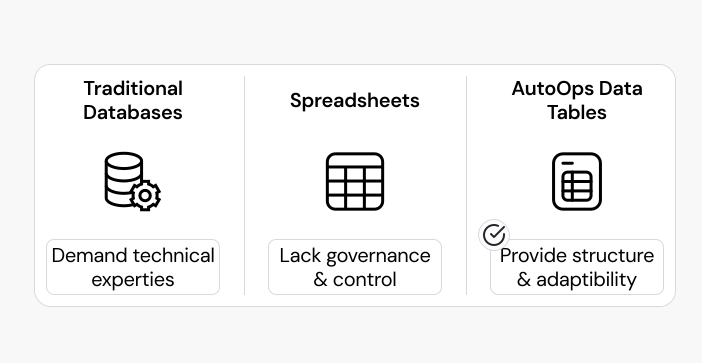
Traditional databases demand technical expertise. Spreadsheets offer flexibility but lack governance. AutoOps Data Tables provide both structure and adaptability without complexity.

Operations leaders can build, refine, and scale their data layer independently. As processes expand or regulatory requirements shift, your data foundation evolves with them. You retain speed while strengthening discipline.
Data Tables Power Intelligent Workflows

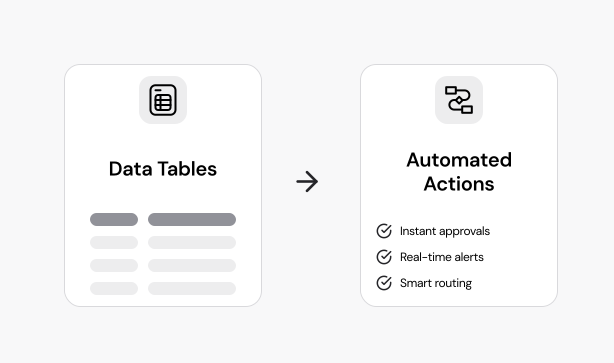
Structured data becomes transformative when it connects with Workflow. Vendor updates dynamically reshape approval paths, budget overruns generate real-time financial alerts, and approaching compliance deadlines activate proactive review processes. Data and automation operate together as a unified system, reducing delays and reinforcing consistency across teams.

Practical Applications

Vendor Management
Maintain a centralized and validated supplier directory complete with documentation, performance metrics, and approval history.
Product and Cost Governance
Structure product information, supplier pricing, freight details, and landed cost calculations in one reliable environment.
SLA and Performance Monitoring
Track service levels and delivery commitments with automated notifications and transparent reporting.
Budget and Spend Oversight
Link purchase orders, departments, and financial approvals to maintain real-time visibility into expenditures.
Compliance and Audit Readiness
Maintain structured records supported by detailed audit trails and controlled access to sensitive information.

Achieve Effective Governance without Complexity

Strong data governance should support your team, not burden it.

AutoOps provides granular permissions, field-level controls, version tracking, and complete audit logs. Every action is recorded. Every change is traceable. Every stakeholder operates within clearly defined boundaries. You gain control without slowing momentum.

From Spreadsheets to Structured Systems

Spreadsheets help teams get started quickly. Structured data enables them to scale confidently.

AutoOps Data Tables transform fragmented information into a dependable operational infrastructure that supports automation, accurate reporting, AI-driven insights, and sound decision-making. When your data is structured, your operations become stronger, more predictable, and more resilient.

Build on Data You Can Trust

Move beyond file management and manual reconciliations. Build your operations on structured, governed, and reliable data.